App Information
Retail App provides the best solution for the Retail industry. Our aim is to make billing simple and fast, addressing real-world retail challenges through an all-in-one platform:
- 📝 Text based Billing Feature
- 📋 List based Quick billing
- 📸 AI-powered Camera Billing
- 🎙️ Speech Recognition Billing
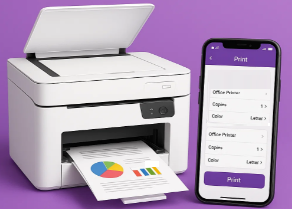
- 🧾 GST Bill Printing Support
- 🗂️ Retail Database Export
- 📱 Graph Reports on Mobile
📱 App Screens Overview
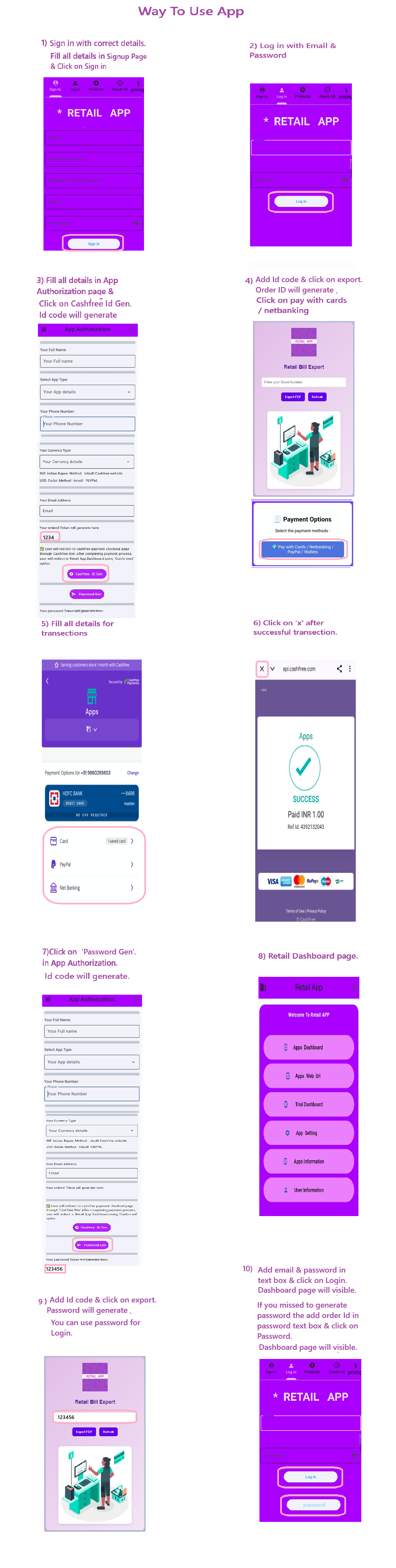
Sign up & Login: New users register with name, store, contact, email, password. Existing users log in with credentials.
Welcome Screen: Main navigation buttons to Dashboard, Settings, Email Billing, Info, and User Details.
App Dashboard: Enter billing data via Text, Audio, or Camera. Print bills and access reports (hourly, weekly, monthly, yearly).
Settings: Dark/Light Mode, color palette, PDF/Image/Text conversion, print viewer, clear bills & folders.
Communication: Message Developer, Email Retail Bill, App Info, and User Info sections for transparency and support.